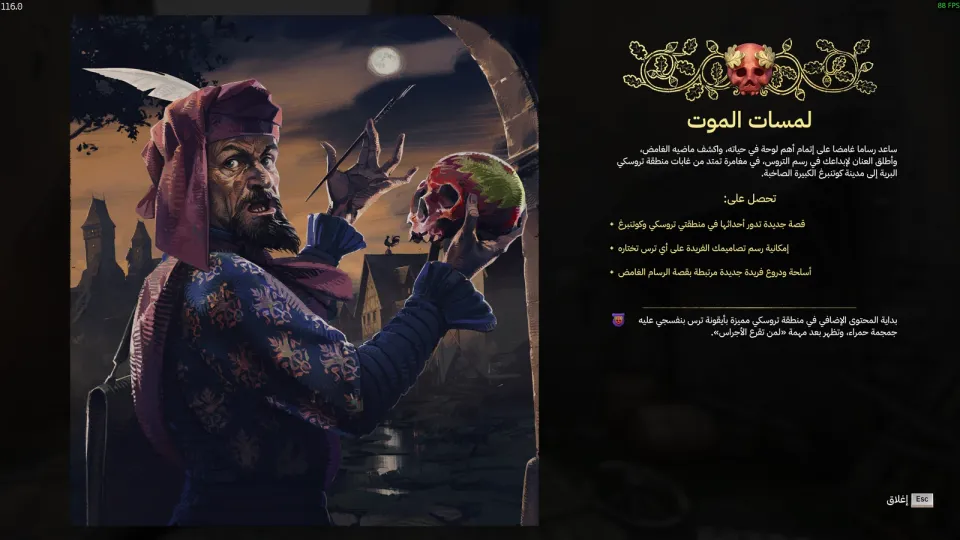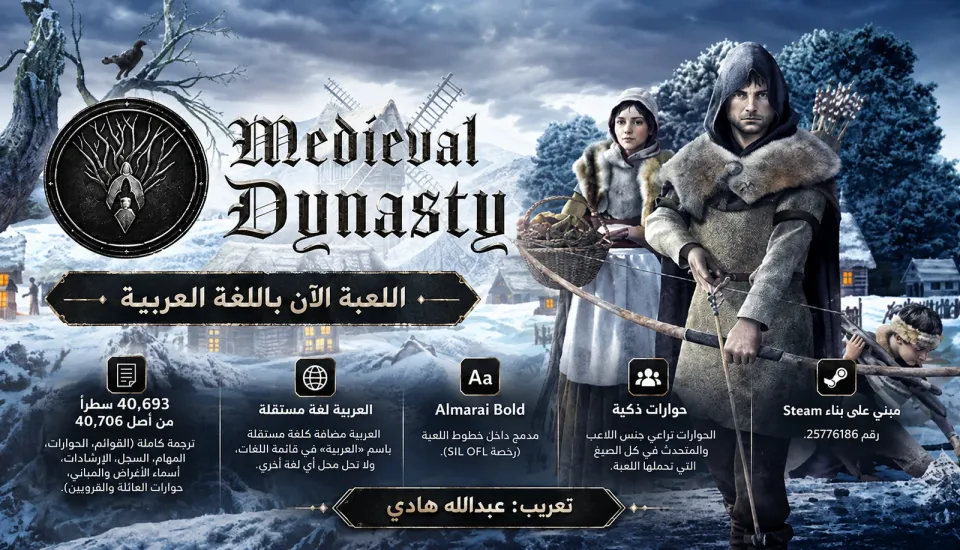
- NEWInitial release of the full Arabic localization for Medieval Dynasty.
- NEWTranslated 40,693 lines out of 40,706, covering menus, dialogues, quests, journal text, and tutorials.
- NEWAdded Arabic as an independent language option without replacing any existing language.
- IMPROVEDIntegrated the Almarai Bold font and added gender-aware wording for supported dialogue lines.
CompleteFull ArabicSimulationSurvivalMedievalv1.0.0
Medieval Dynasty
Medieval Dynasty · Render Cube · 2021
A complete unofficial Arabic localization for Medieval Dynasty on PC, made for the Steam version. It covers menus, dialogues, quests, journal text, tutorials, item and building names, plus family and villager conversations.
PATCH PROGRESS100%DONEv1.0.0Version1Downloads
SCREENSHOTSScreenshots of the patch
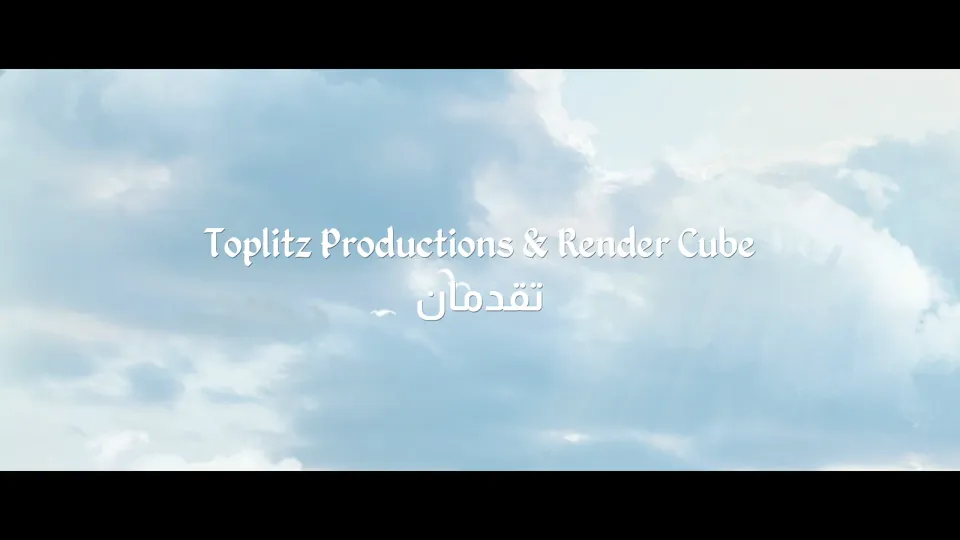
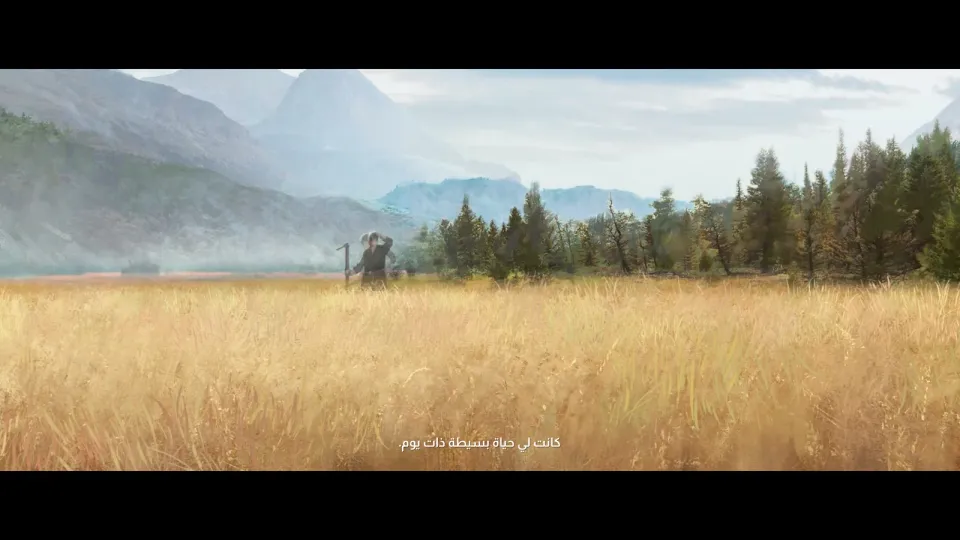
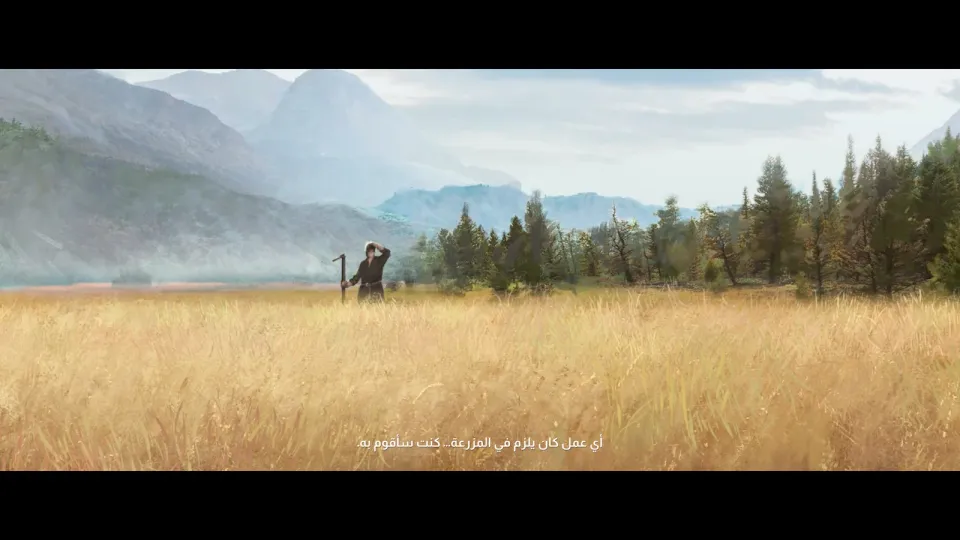
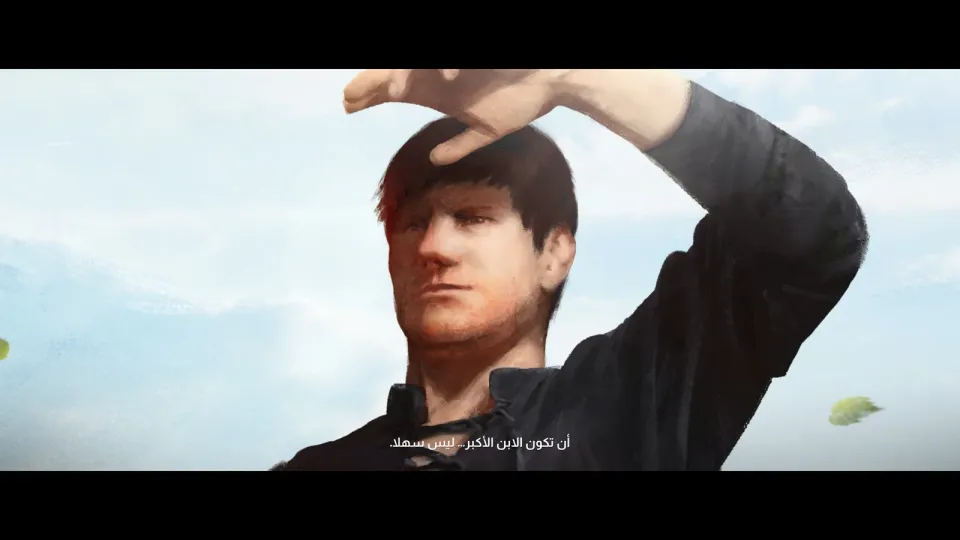

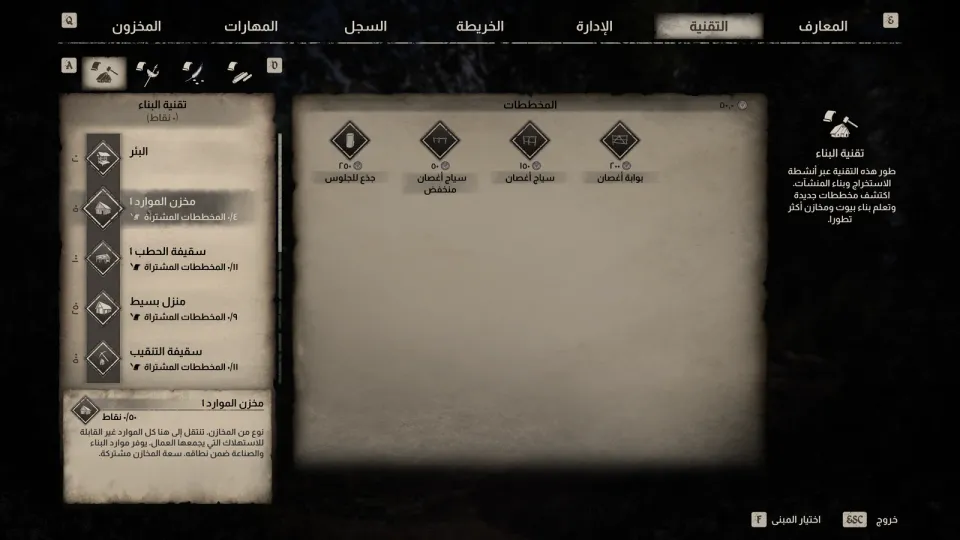
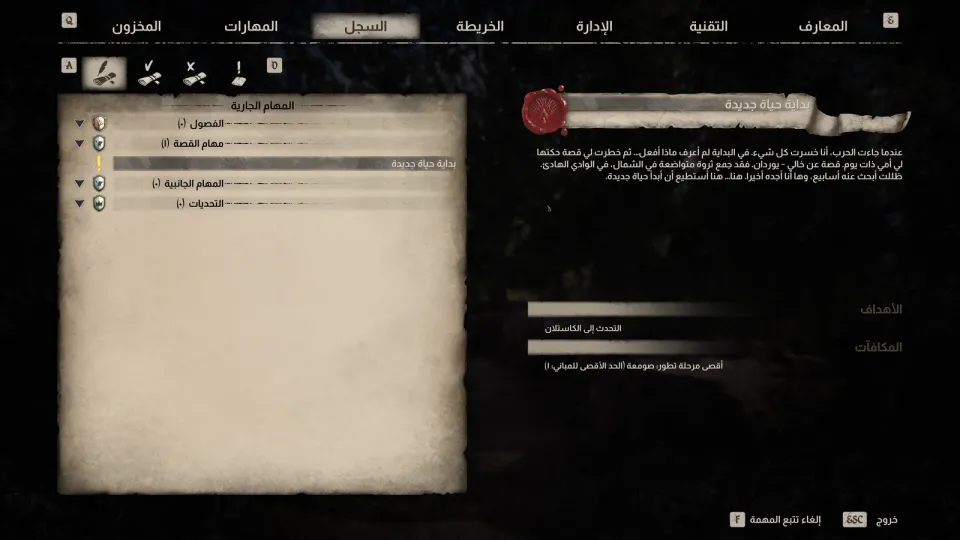
HOW TO INSTALLHow to install
- 01Close the game
Make sure Medieval Dynasty is fully closed before copying the localization files.
- 02Open the game folder
In Steam, right-click Medieval Dynasty, then choose Manage, then Browse local files.
- 03Copy the patch folder
From the ZIP file, copy the Medieval_Dynasty folder into the game folder. It only adds the Arabic patch file and does not replace original game files.
Medieval_Dynasty\Content\Paks\Medieval_Dynasty-WindowsNoEditor_P.pak - 04Add the launch option
In Steam, open the game Properties, then General, then Launch Options, and enter this option. Without it, the game may ignore the Arabic patch file.
-fileopenlog - 05Choose Arabic
Launch the game, then go to Settings, Game, Language, and choose “العربية”.
Settings → Game → Language → العربية - 06Uninstall
To remove the patch, delete the Arabic patch file from the Paks folder, then remove -fileopenlog from the launch options.
Medieval_Dynasty\Content\Paks\Medieval_Dynasty-WindowsNoEditor_P.pak
ABOUT THIS PATCHAbout this patch
Medieval Dynasty is a survival, simulation, and RPG game set in an open medieval world. You build a home, grow a village, manage villagers, hunt, farm, and work toward creating a dynasty that lives on after you.
This Arabic patch localizes the game’s text almost completely: 40,693 lines out of 40,706. It covers menus, dialogues, quests, the journal, tutorials, item and building names, plus family and villager conversations.
Arabic appears as its own language option named “العربية” in the language menu and does not replace any other language. Voice audio stays original; this patch is text-only.
The Almarai Bold Arabic font is integrated into the game fonts under the SIL OFL license, with gender-aware wording for the player and speakers where the game supports it. The few remaining lines are brand names and keyboard keys that are intentionally kept in English.
The patch is built for Steam build 25776186. If Steam updates the game to a newer build, some new text may appear in English until the localization is updated.