- IMPROVEDFirst complete Arabic release for the base game.
- NEWAdded Arabic support for Catacombs, Dul Cru, and Kingdoms mode.
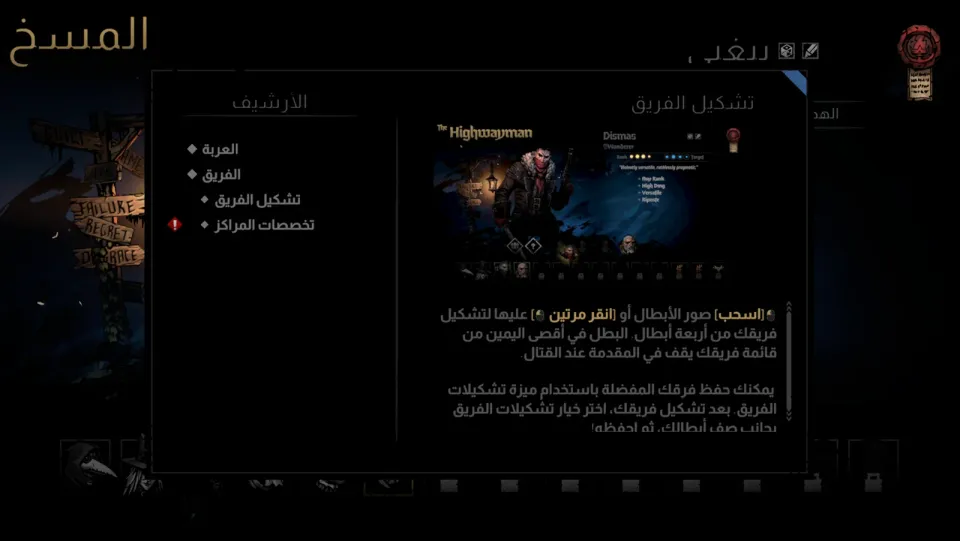
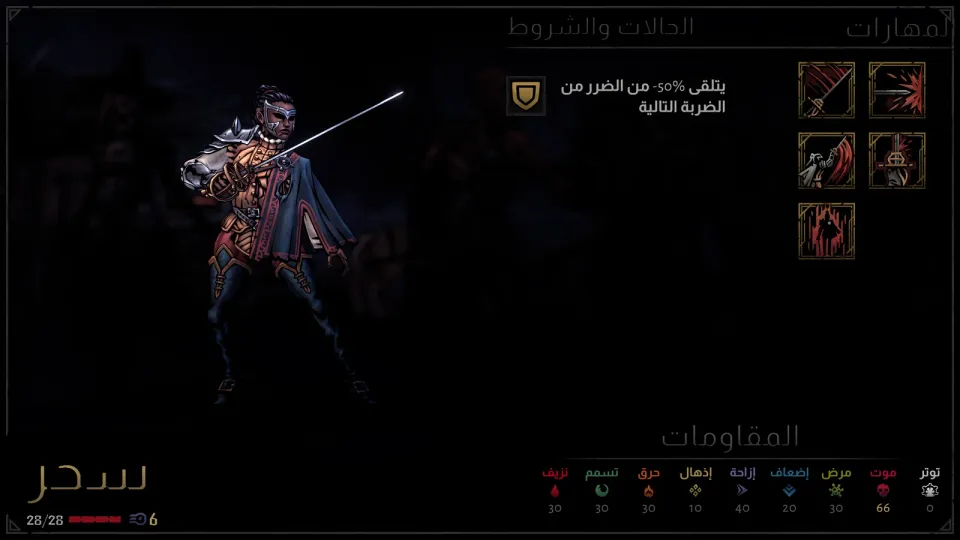
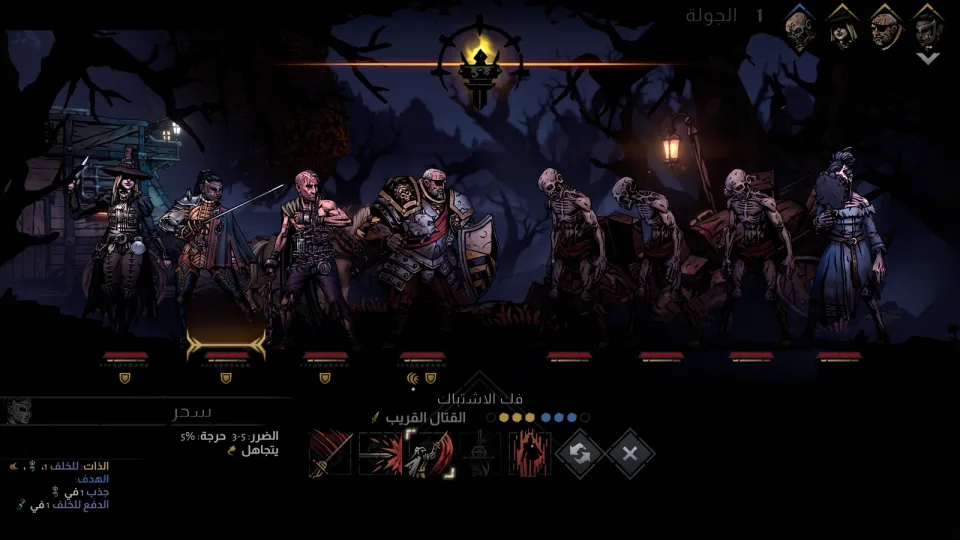
- IMPROVEDRight-to-left Arabic text with joined letters and the Almarai font.
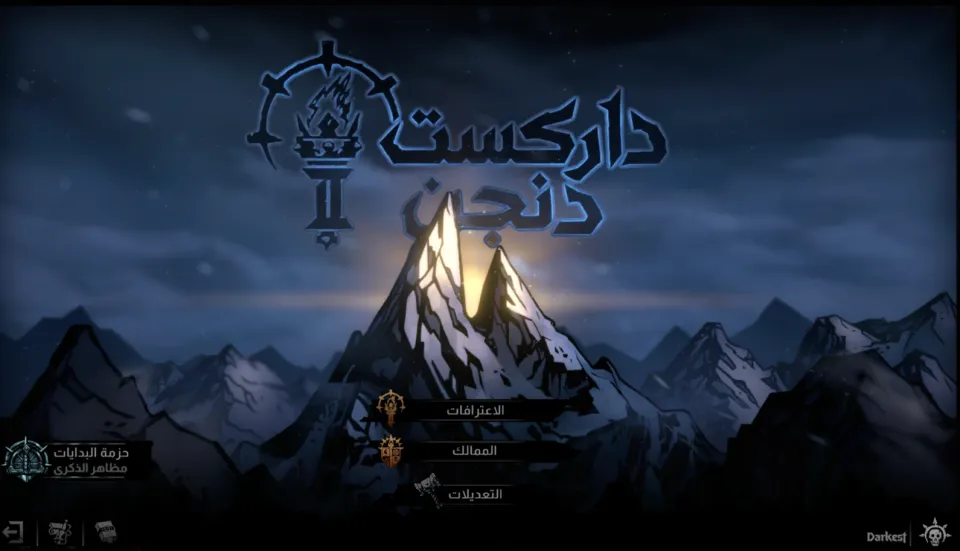
- IMPROVEDLocalized the logo, Kingdoms title, and confession paper.
CompleteFull ArabicTactical RPGGothic HorrorRoguelitev1.0.0
Darkest Dungeon II Arabic Localization
Darkest Dungeon® II · Red Hook Studios · 2023
A complete unofficial Arabic localization for Darkest Dungeon II on Steam. It covers the base game, the Catacombs and Dul Cru DLCs, and Kingdoms mode with proper right-to-left Arabic text support.
PATCH PROGRESS100%DONEv1.0.0Version5Downloads
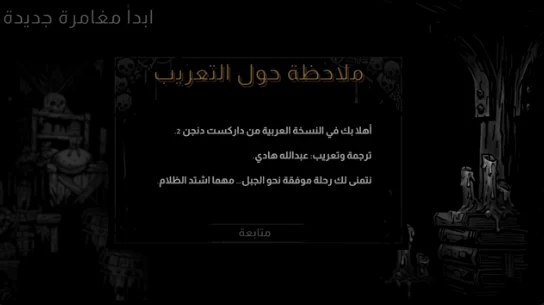
SCREENSHOTSScreenshots of the patch
HOW TO INSTALLHow to install
- 01Download the file
Download the Arabic patch zip file and extract it anywhere convenient.
DarkestDungeon2-Arabic.zip - 02Close the game
Make sure Darkest Dungeon II is fully closed before copying any files.
Exit game - 03Open the game folder
In Steam, right-click the game, choose Manage, then Browse local files.
Steam > Manage > Browse local files - 04Copy the patch folder
Copy the game data folder from the patch into the game folder, then choose Replace when prompted.
Darkest Dungeon II_Data - 05Select Arabic
Launch the game, then go to Options, Game, Language, and select Arabic.
Options > Game > Language > العربية
ABOUT THIS PATCHAbout this patch
Darkest Dungeon II is a dark tactical RPG roguelite from Red Hook Studios. It mixes dangerous road trips, party management, stress, and hard choices in a bleak gothic world.
This Arabic patch fully translates the base game, the Catacombs and Dul Cru DLCs, and Kingdoms mode. It covers menus, tutorials, heroes, skills, items, events, dialogue, and hero stories.
Arabic is added as its own language option. Text is displayed right-to-left with joined letters, using the Almarai font, with localized logo art, the Kingdoms title, and the confession paper.
The patch is made for the Steam PC version, build 24911282. Voices remain in English, and this is an unofficial fan localization not affiliated with the developer or publisher.