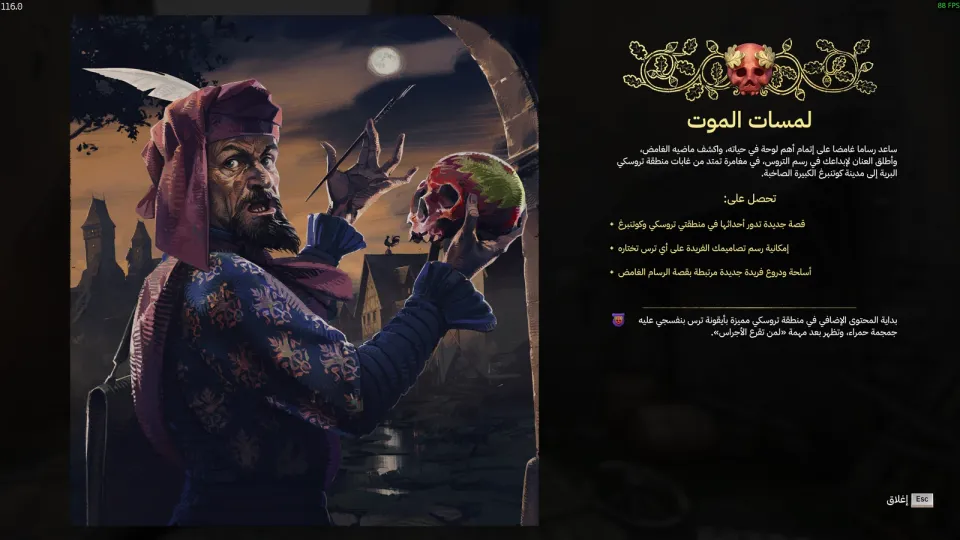
- NEWInitial Arabic release for Graveyard Keeper on PC.
- NEWTranslated menus, dialogue, quests, items, descriptions, and tutorials.
- IMPROVEDSupports the Breaking Dead, Stranger Sins, Game of Crone, and Better Save Soul DLCs.
- IMPROVEDAdds Arabic as a separate language in the language menu.
CompleteFull ArabicSimulationManagementDark Humorv1.0.0
Graveyard Keeper
Graveyard Keeper · Lazy Bear Games · 2018
A manual Arabic patch for Graveyard Keeper on PC through the Steam version. It covers menus, dialogue, quests, items, descriptions, tutorials, and the Breaking Dead, Stranger Sins, Game of Crone, and Better Save Soul DLCs.
PATCH PROGRESS100%DONEv1.0.0Version1MB18Downloads
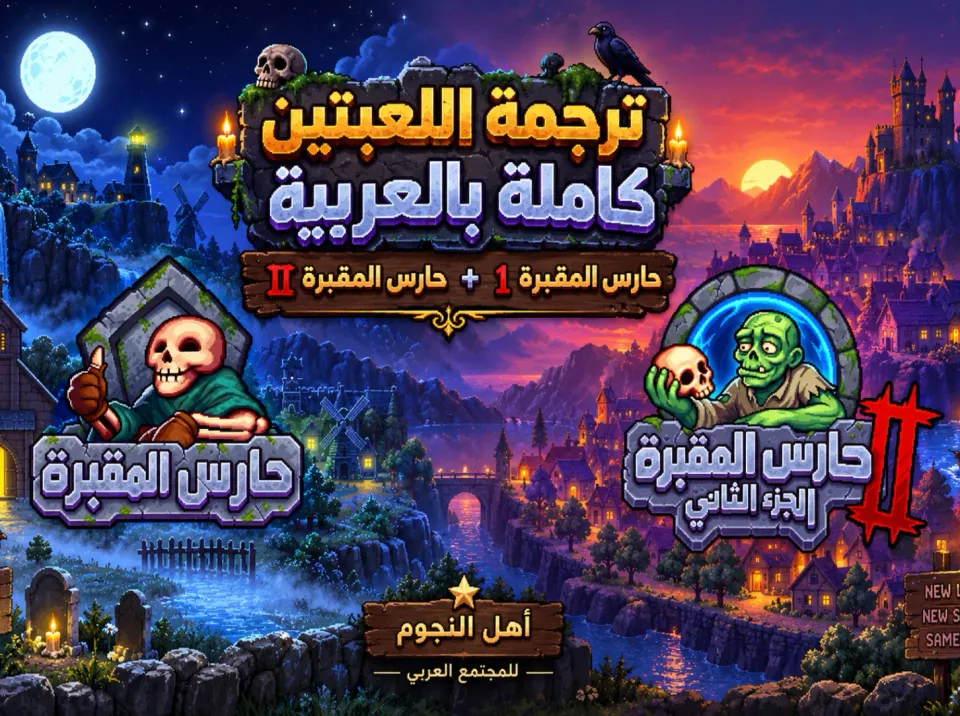
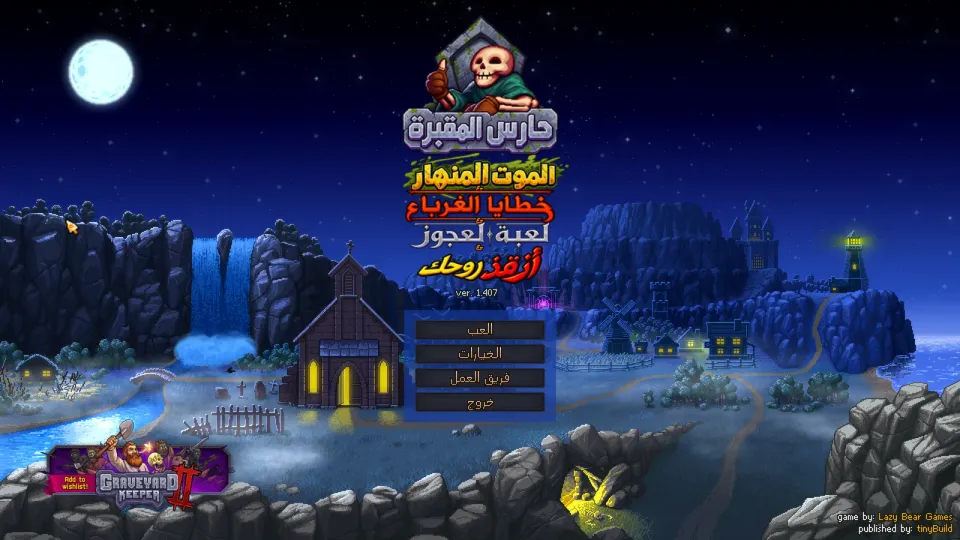
SCREENSHOTSScreenshots of the patch
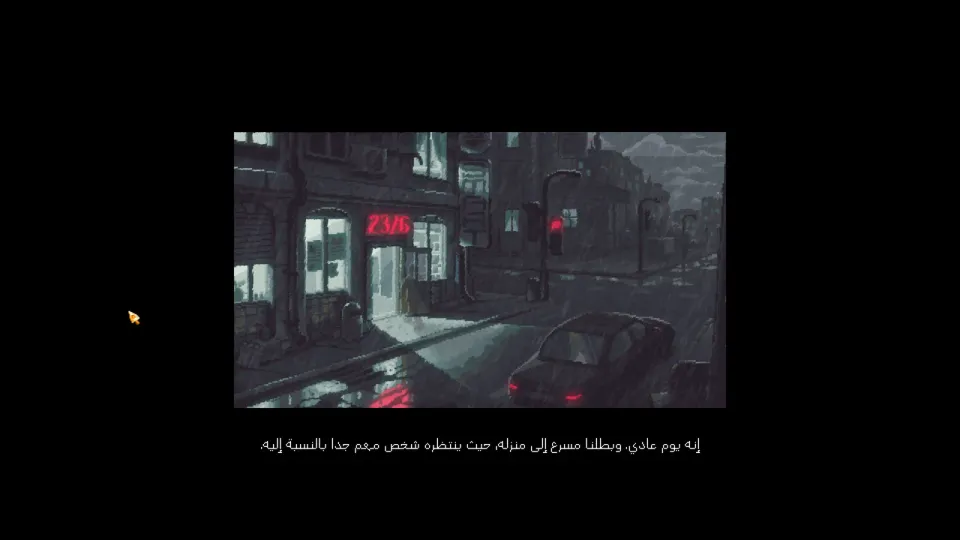
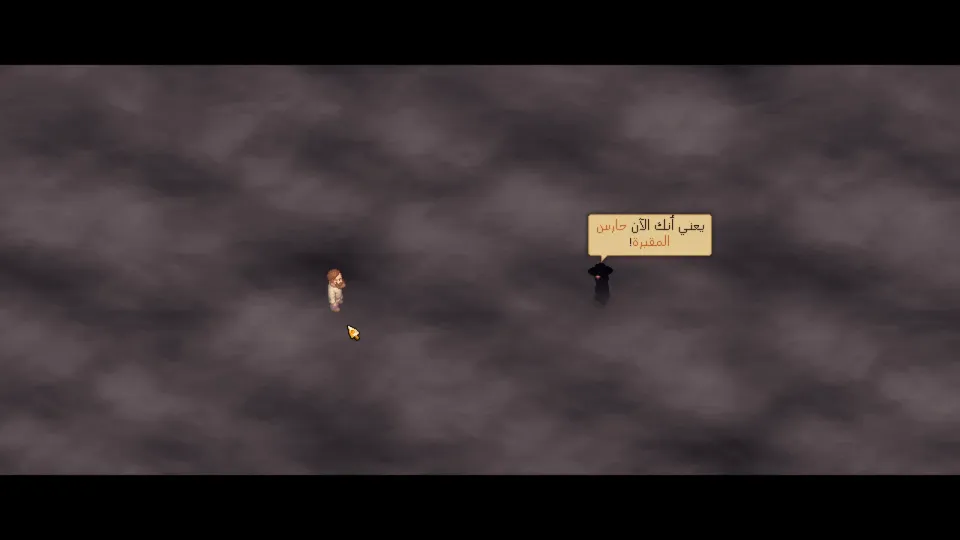
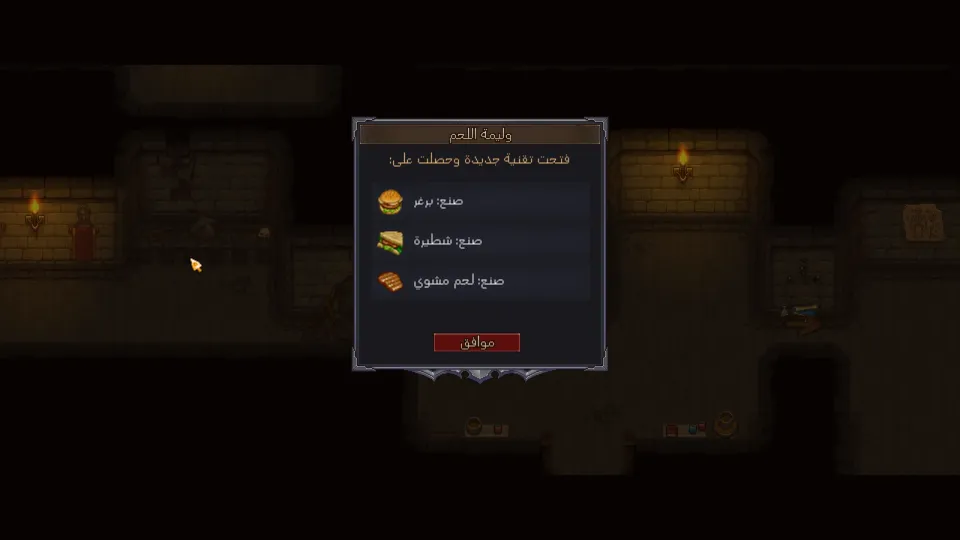
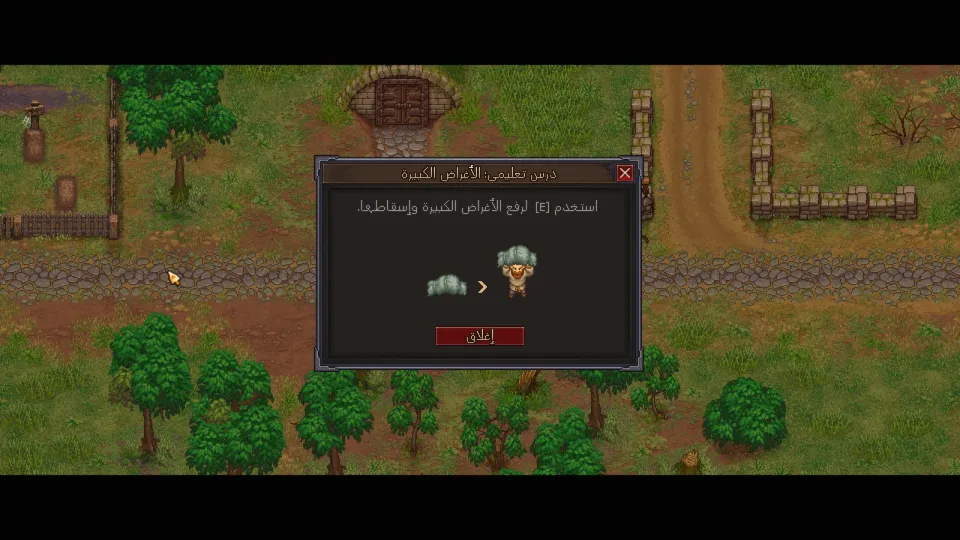
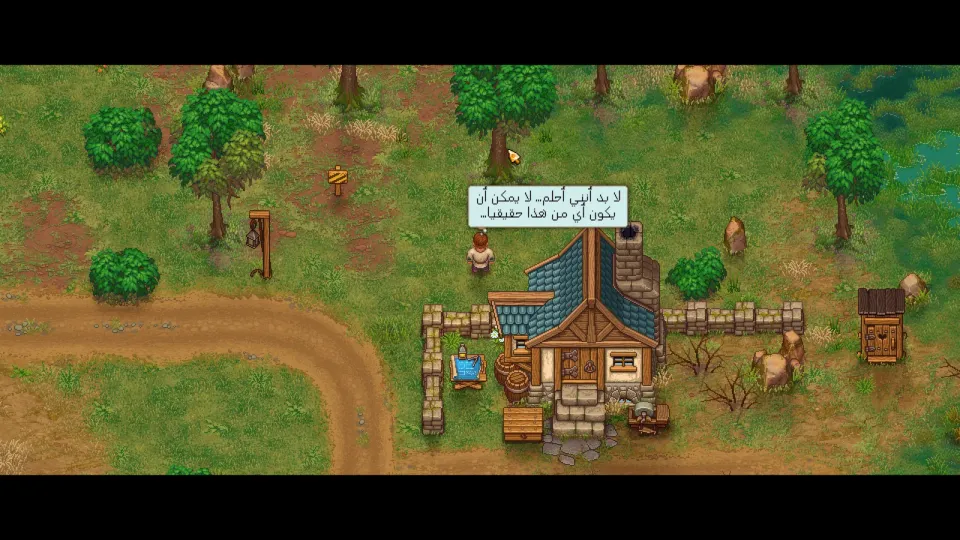
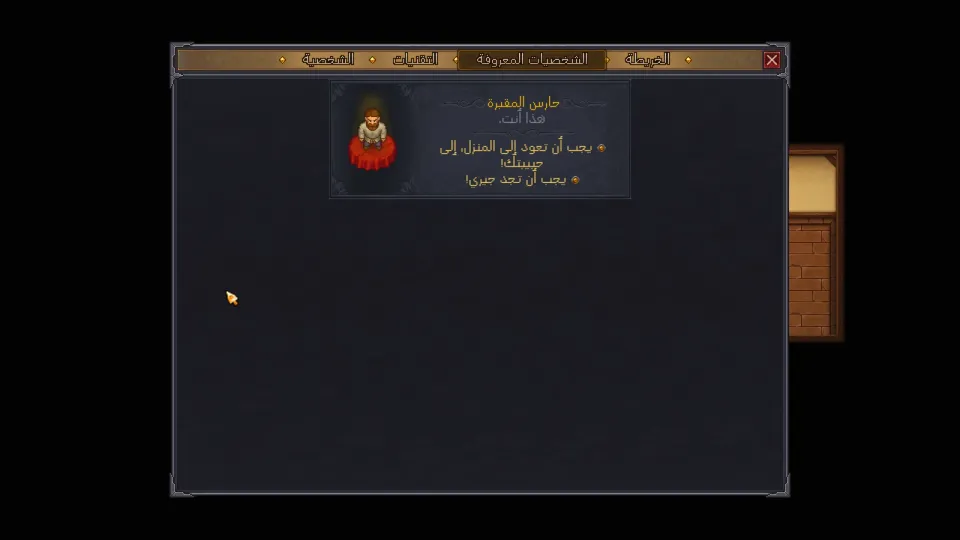
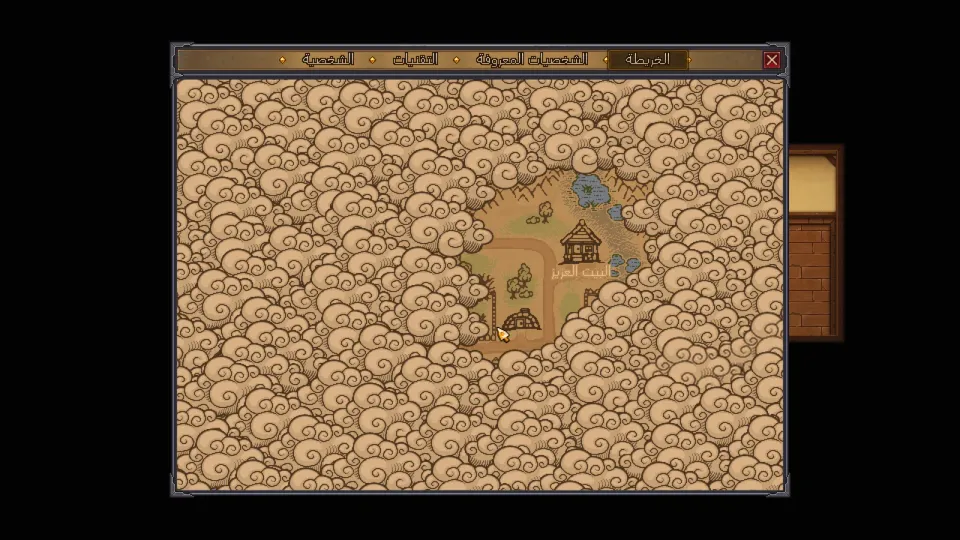
HOW TO INSTALLHow to install
- 01Close the game
Make sure Graveyard Keeper is fully closed before copying any files.
- 02Open the game folder
In Steam, right-click Graveyard Keeper, choose Manage, then Browse local files.
- 03Make a backup
Copy the original file to a safe folder before replacing it.
Graveyard Keeper_Data\Managed\Assembly-CSharp-firstpass.dll - 04Copy the patch files
From the Arabic patch archive, copy the data folder into the game folder and allow files to be replaced.
Graveyard Keeper_Data - 05Select Arabic
Launch the game, open Options, then Language, and select Arabic from the end of the language list.
- 06Check the version
The patch is made for version 1.407, shown under the game logo.
ver. 1.407
ABOUT THIS PATCHAbout this patch
Graveyard Keeper is a dark fantasy management sim developed by Lazy Bear Games and published by tinyBuild. You manage a medieval graveyard, gather resources, craft tools, complete quests, and make questionable business decisions.
This Arabic patch adds Arabic as a separate in-game language without replacing the original languages. It covers menus, dialogue, quests, items, descriptions, tutorials, and the Arabic main-menu logo.
The patch is built for game version 1.407. It supports the base game plus the Breaking Dead, Stranger Sins, Game of Crone, and Better Save Soul DLCs, with 10,222 translated lines.
Installation is manual and made for the Steam PC version. If your game version is not 1.407, do not install the patch until you update the game or confirm compatibility.