- NEWInitial release of the Rubinite Arabic localization.
- IMPROVEDLocalized menus, settings, and core interface text.
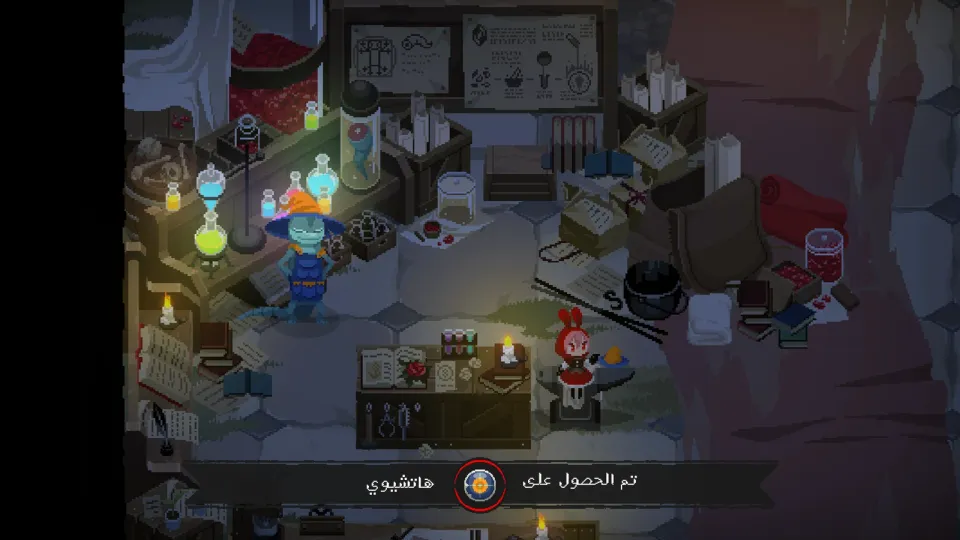
- IMPROVEDLocalized dialogue, story text, and skill descriptions.
- IMPROVEDAdjusted terminology to fit the hard action and dark fantasy tone.
CompleteFull ArabicHard ActionBoss RushDark Fantasyv0.1
Rubinite Arabic Localization
Rubinite · Cup Dog Games, GameWorks Ventures · 2026
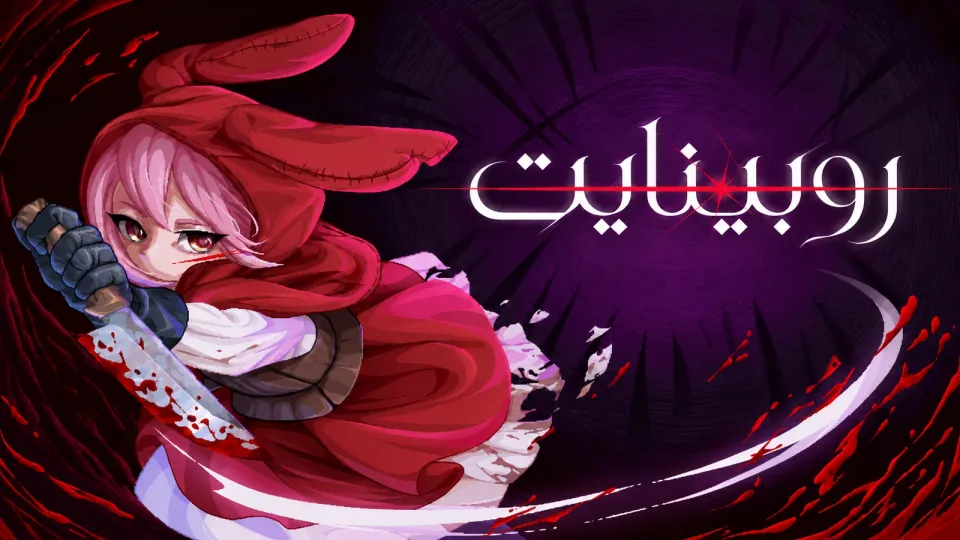
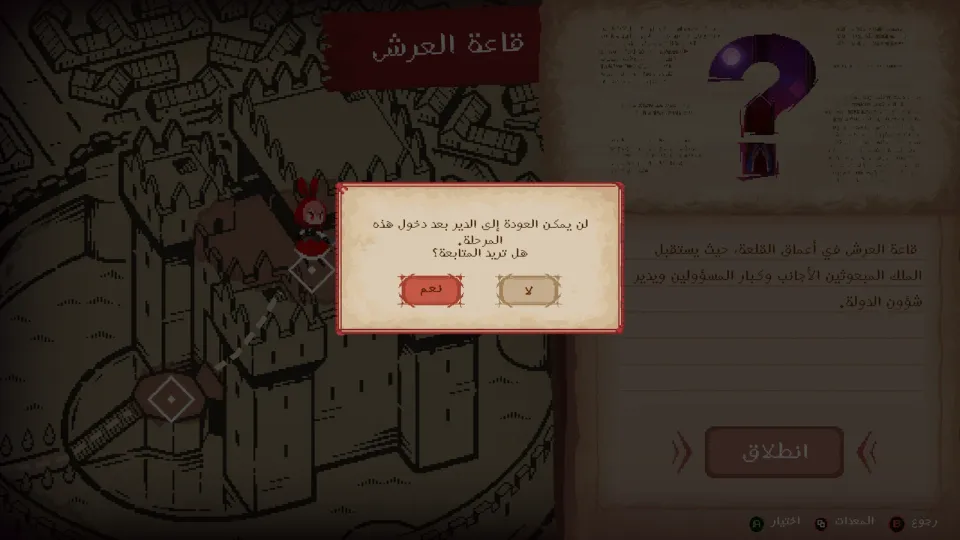
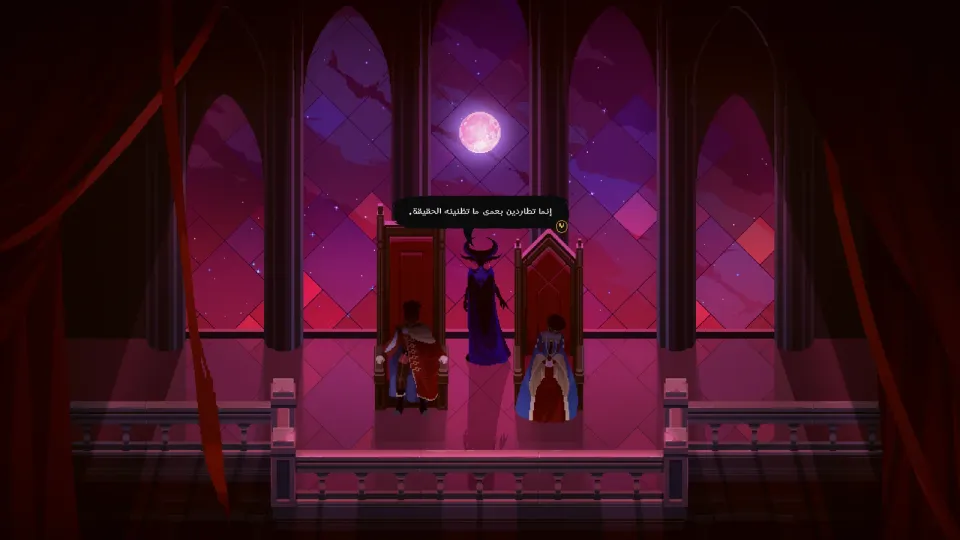
The Arabic localization for Rubinite is complete, making Ruby’s journey through the Scarlet Kingdom easier to follow in Arabic. The patch focuses on menus, dialogue, story text, and skill descriptions while keeping the dark boss-rush tone intact.
PATCH PROGRESS100%DONEv0.1Version1Downloads
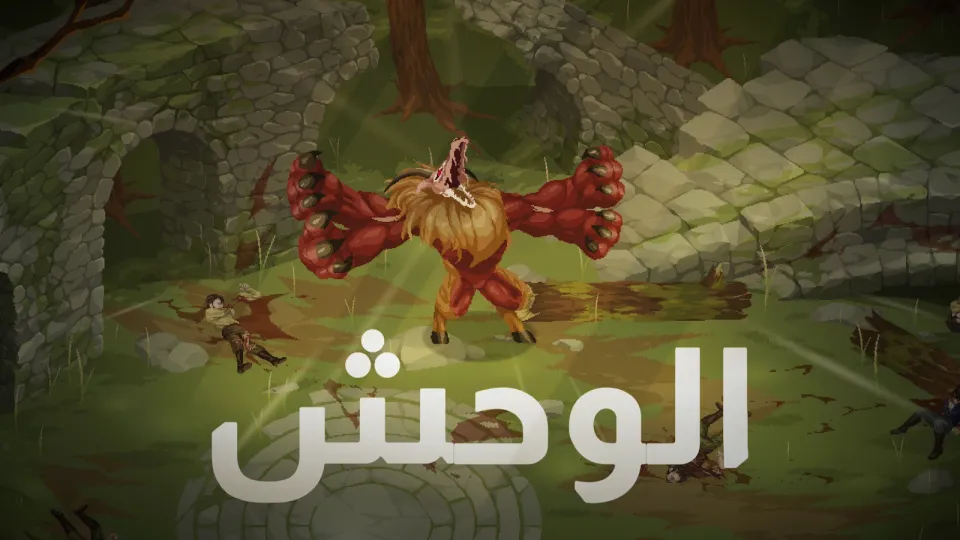
SCREENSHOTSScreenshots of the patch
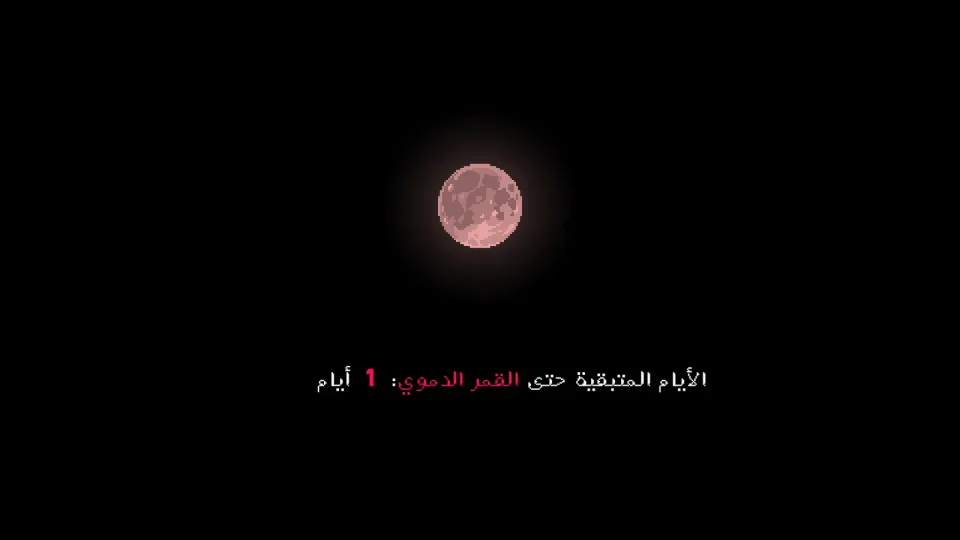
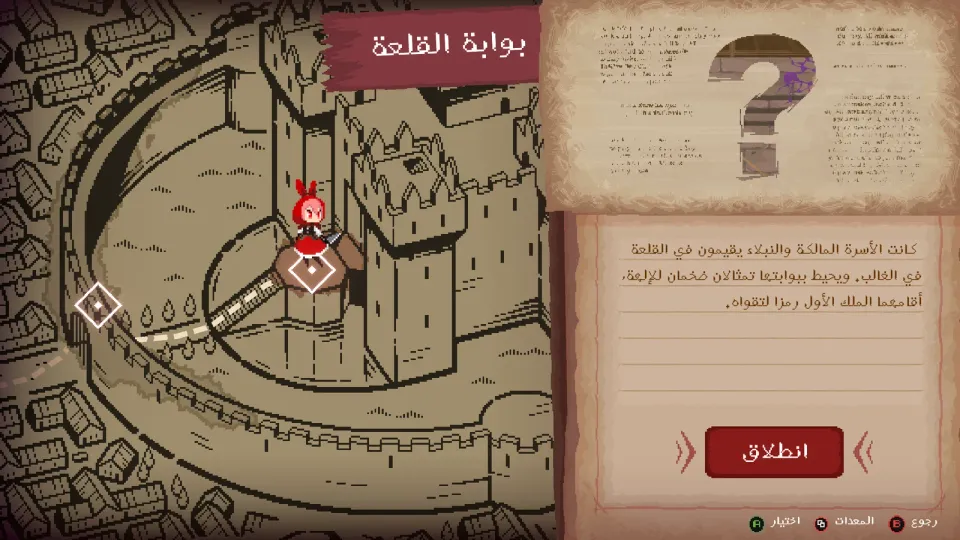
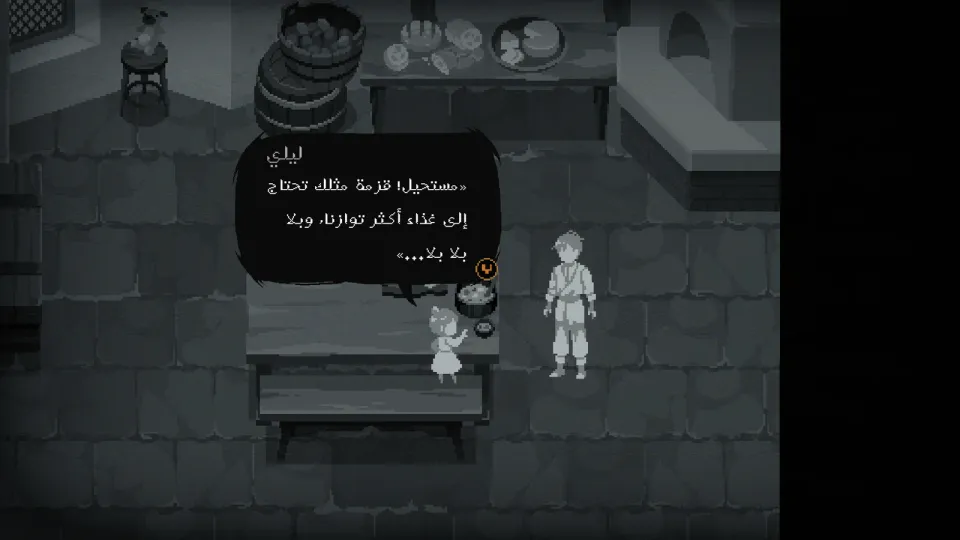
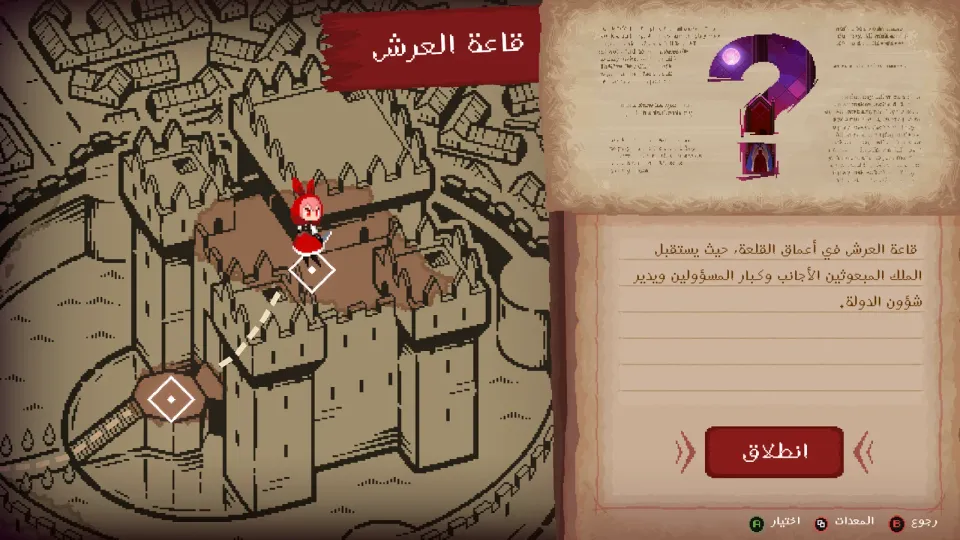
HOW TO INSTALLHow to install
- 01Prepare the game
Install Rubinite from Steam and launch it once to make sure all required files are created.
- 02Close the game
Close the game completely before applying the Arabic localization files.
- 03Open the game folder
From Steam, choose Manage, then Browse local files to open the Rubinite installation folder.
- 04Copy the patch files
Copy the Arabic patch files into the game folder and confirm replacement if prompted.
- 05Launch the game
Launch Rubinite and confirm that Arabic text appears in menus and dialogue.
ABOUT THIS PATCHAbout this patch
Rubinite is a tough boss-rush action game set in a dark fairy-tale world. You play as Ruby, facing Bloodstained monsters and using her crimson eyes to reveal weak points before striking them down.
This Arabic patch covers the main menus, settings, dialogue, story text, skill descriptions, and important in-game prompts. The goal is to make the story and systems easier to follow without softening the challenge.
We kept the tone dark and sharp while making combat terms clear in Arabic. Key names such as Ruby, the Witch, and the Scarlet Kingdom are handled consistently across the text.
The localization is intended for the Steam PC version and is aligned with game version c381f6a. If a future official update changes the game files, we will review and update the patch when needed.