CONTROL
CONTROL Resonant
HP100%
NS-V7ADownload
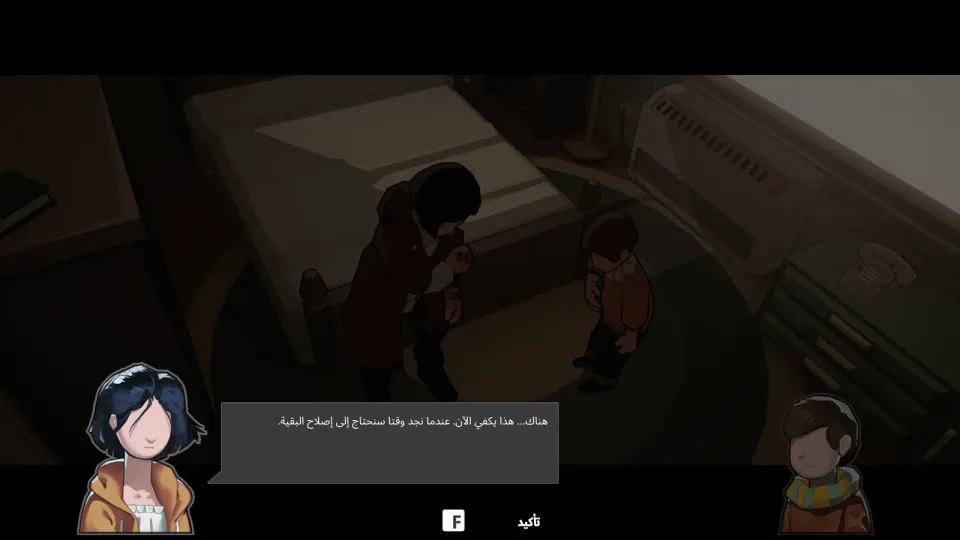
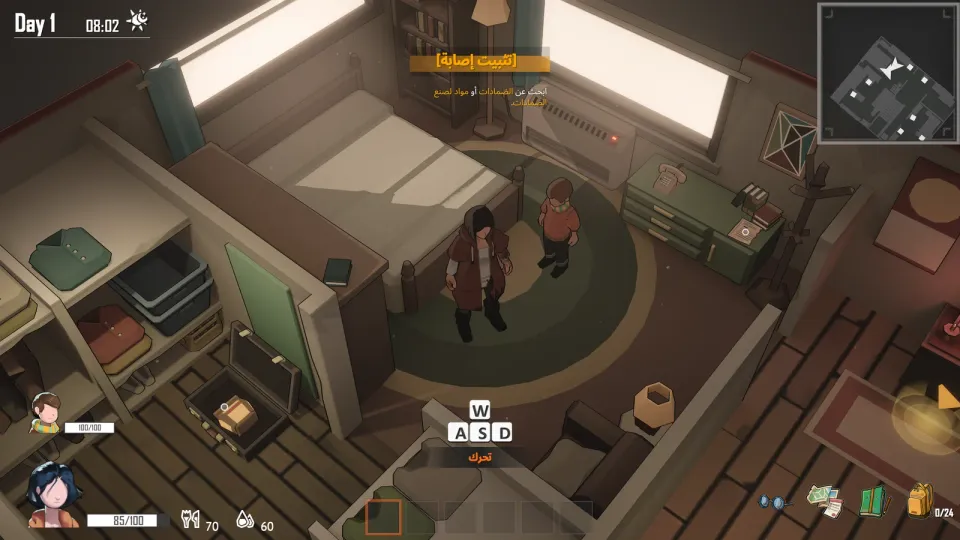
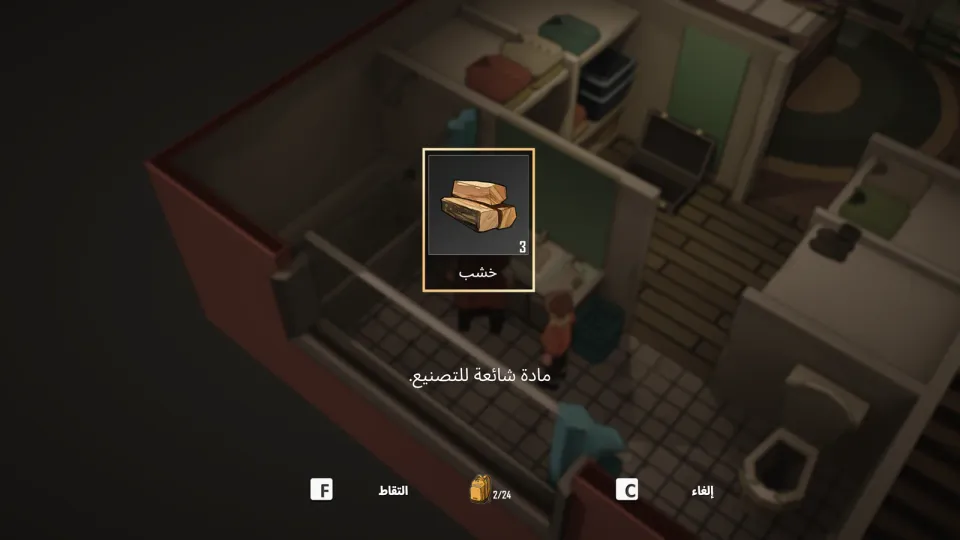
A complete unofficial Arabic localization for the Steam PC version of UNDYING. It covers Story Mode, Cody's Kingdom mode, menus, dialogue, quests, and items.
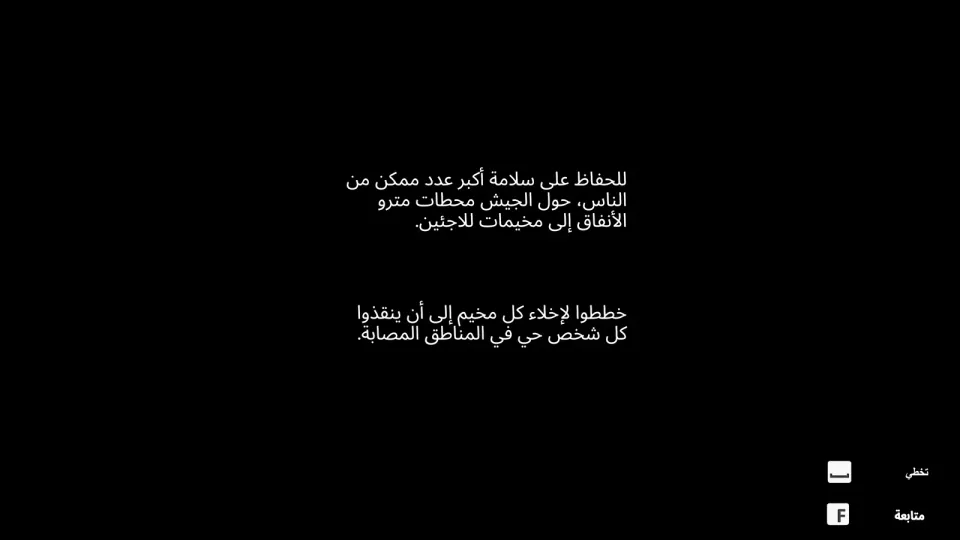
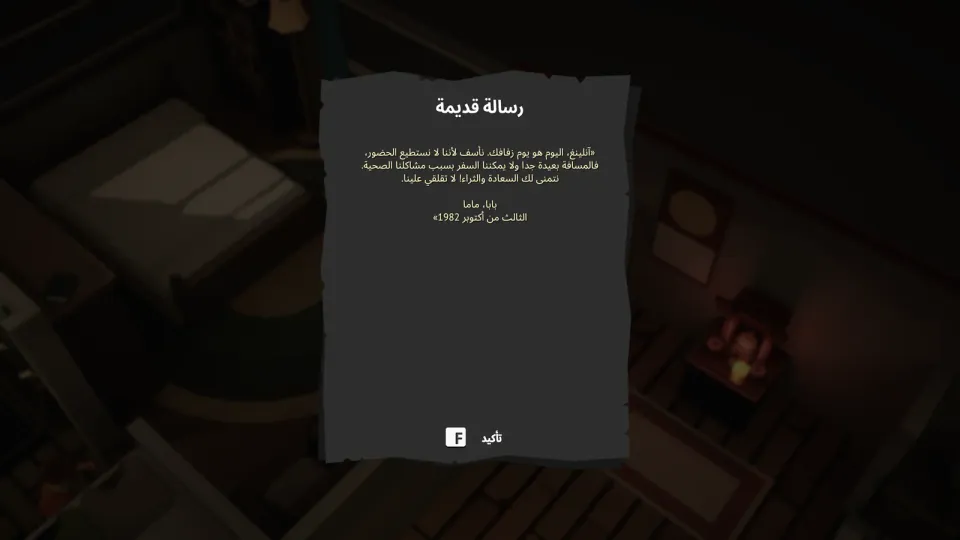
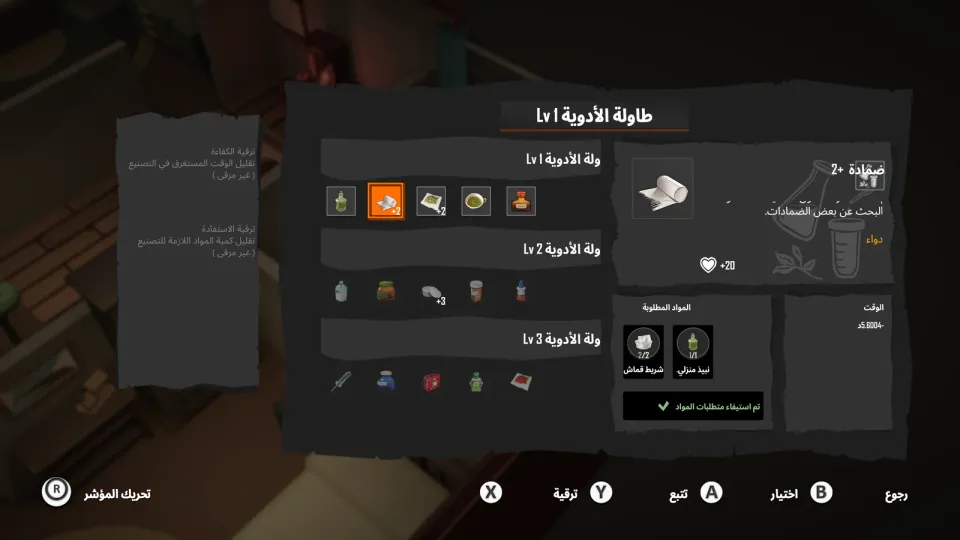
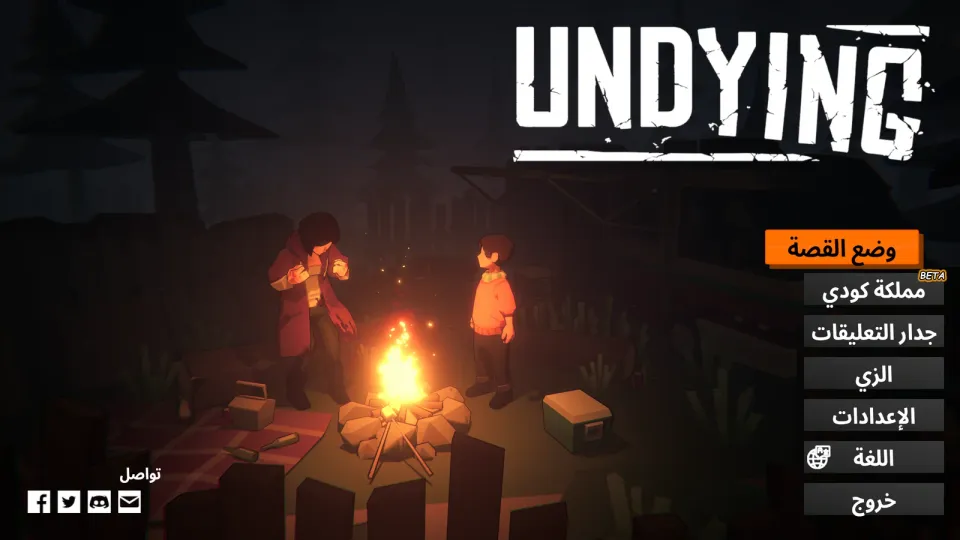
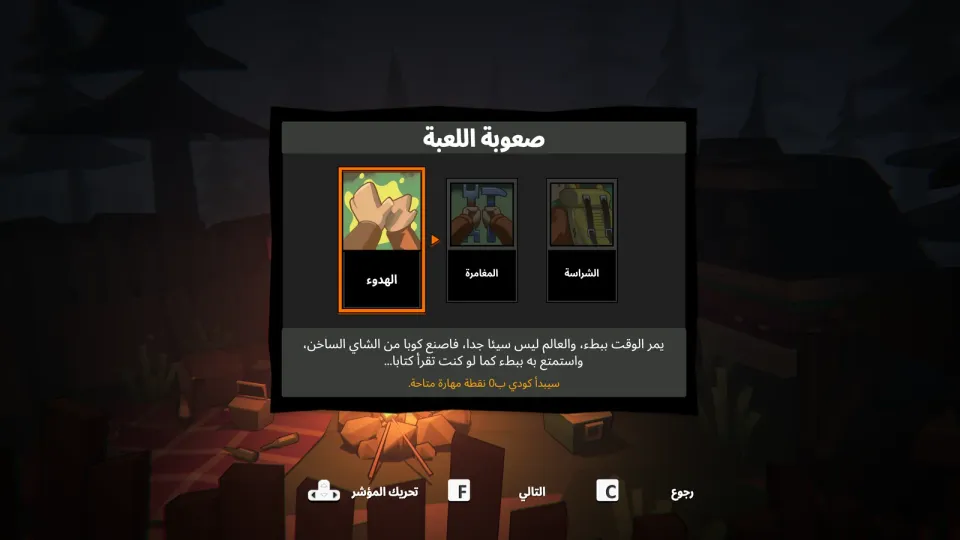
Download the Arabic patch from the download button. The installer is about 47 MB. Undying-Arabic-Installer.exe
Make sure UNDYING is fully closed before starting the installation.
Open the installer. It will try to find the game folder automatically through Steam, or you can choose it manually if the game is installed on another drive. Steam\steamapps\common\Undying
Click Install Arabic Patch. The installer will back up the original files, then replace the text and font files. UndyingArabic_backup
Launch UNDYING. If Arabic does not appear automatically, open the settings, go to language, and choose Arabic. Settings → Language → Arabic
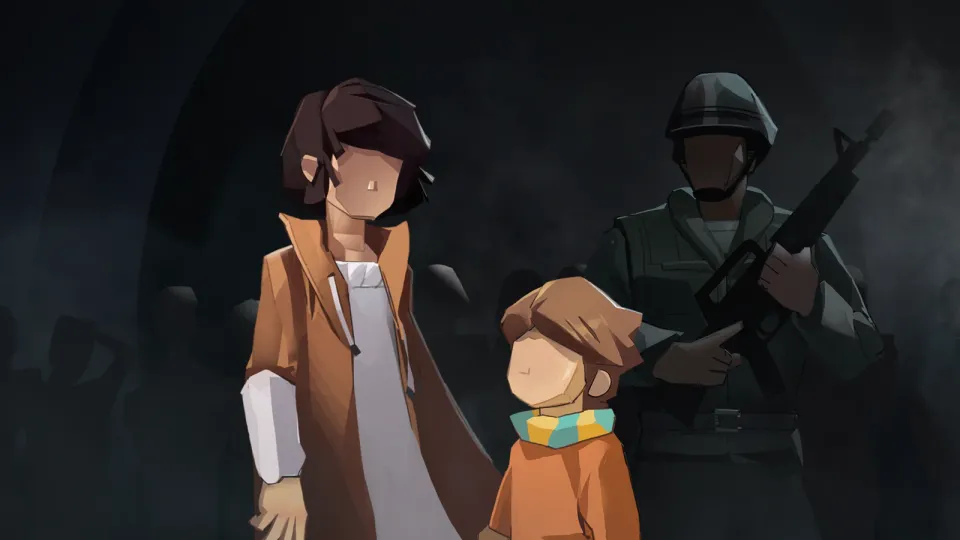
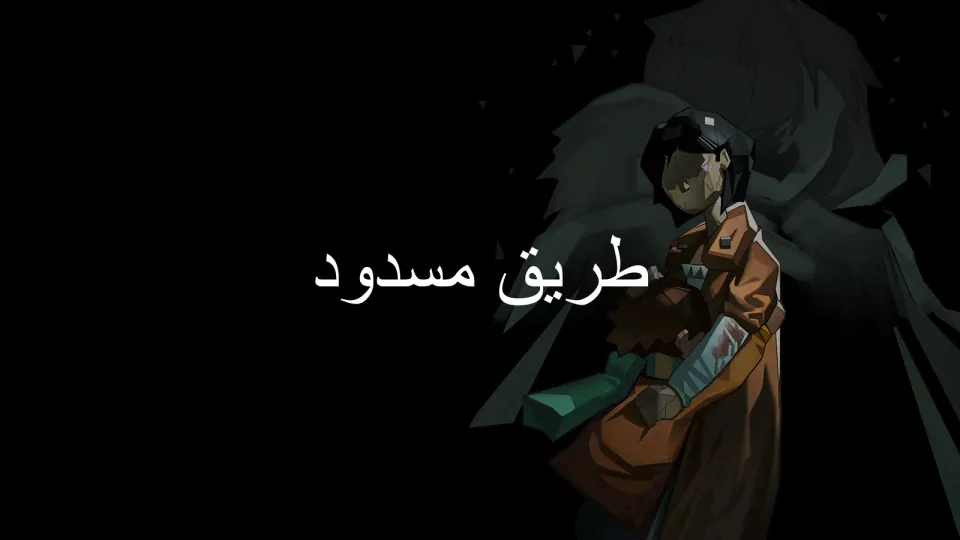
UNDYING is a story-driven zombie survival game by Vanimals. You play as Anling, a mother trying to protect her son Cody and teach him how to survive before the infection takes over.
This Arabic patch translates 13,344 out of 13,344 lines. It covers Story Mode, Cody's Kingdom mode, menus, dialogue, quests, notes, items, settings, and the card game.
Arabic text is handled right-to-left with connected letters and bundled Arabic fonts. Voice acting stays in English; this patch localizes text only.
The patch is made for the Steam PC version. The installer creates backups of the original files, and you can return to English through the installer or by verifying the game files on Steam.