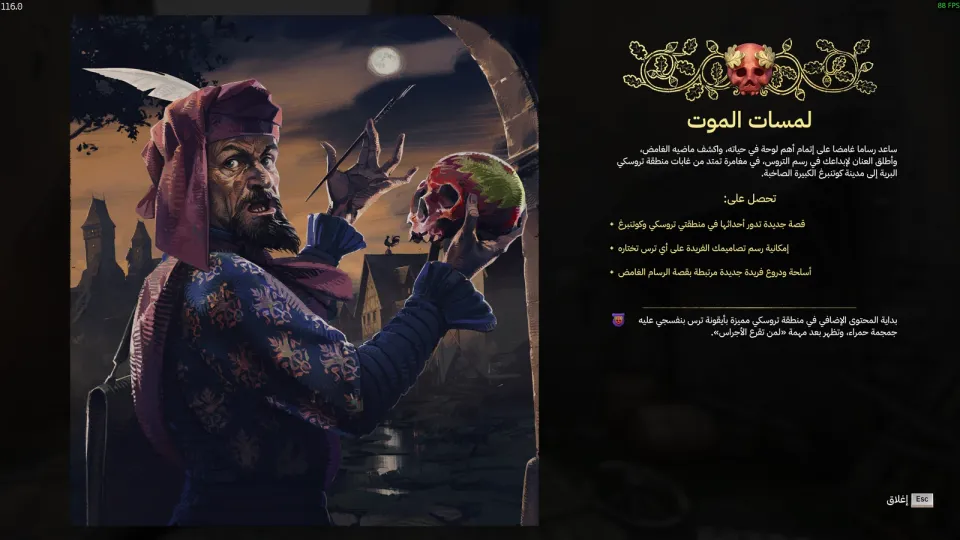
- NEWInitial manual release for the Graveyard Keeper 2 Arabic translation.
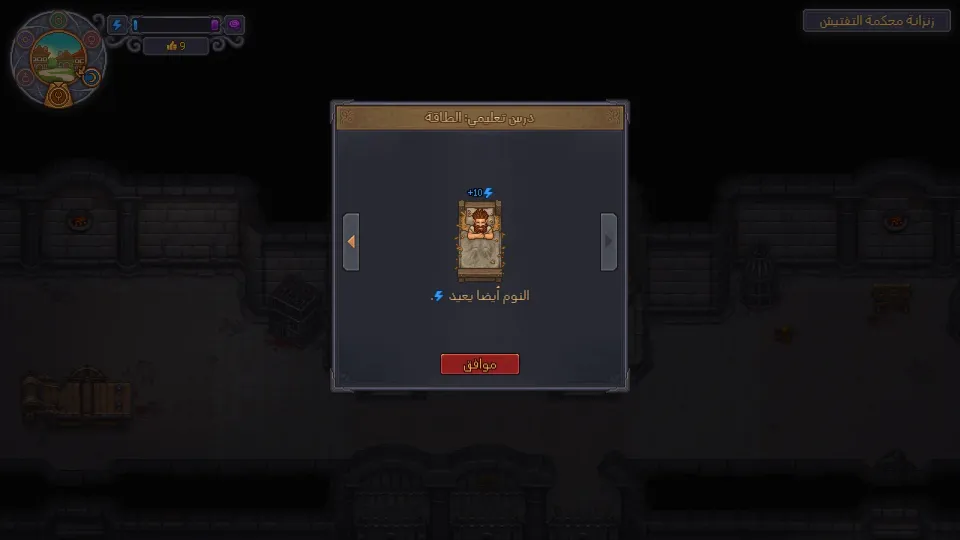
- NEWTranslated 9,411 lines covering menus, dialogue, quests, items, and tutorials.
- NEWAdded Arabic as a separate language in the game settings.
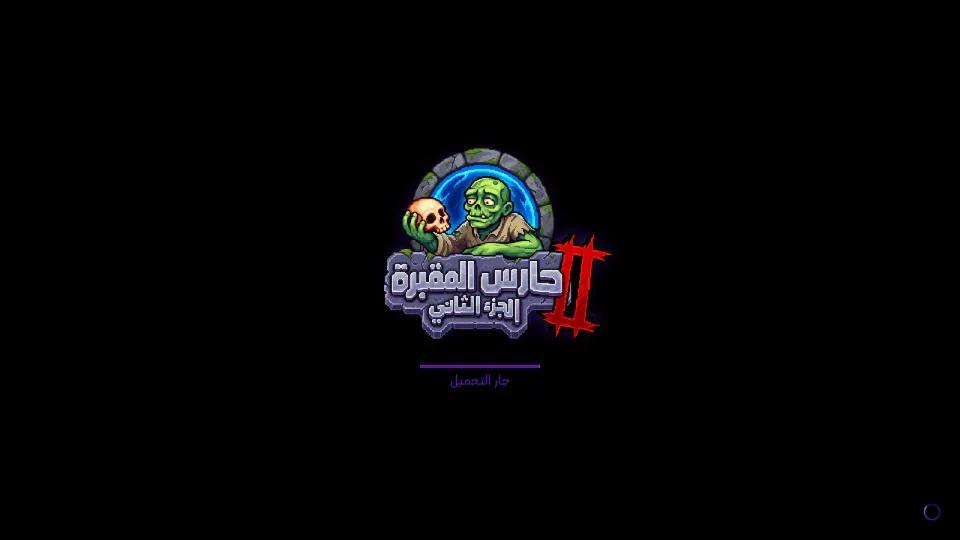
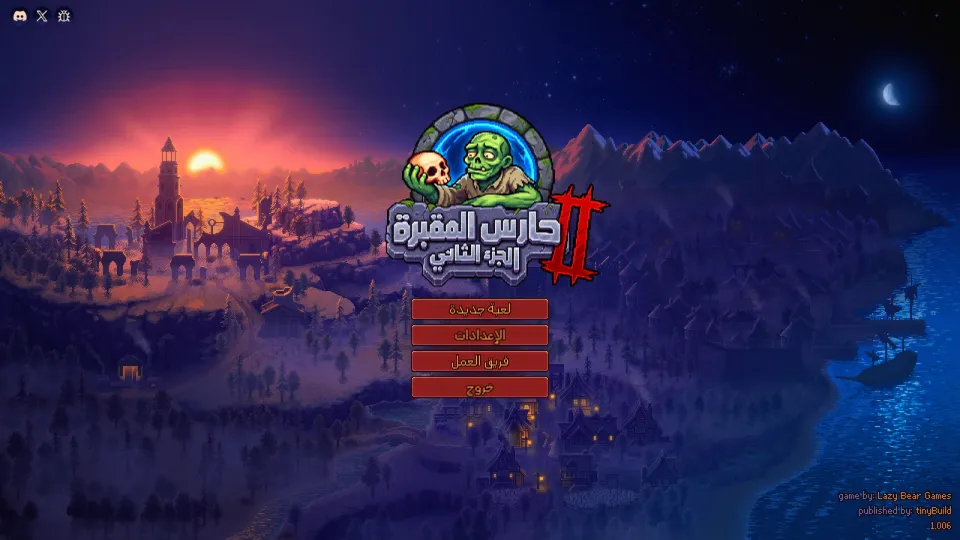
- NEWAdded a pixel-style Arabic font and an optional Arabic main-menu logo.
CompleteFull ArabicSimulationManagementDark comedyv1.0.0
Graveyard Keeper 2
Graveyard Keeper 2 · Lazy Bear Games · 2026
A complete unofficial Arabic translation for the Steam PC version of Graveyard Keeper 2. It covers menus, dialogue, quests, items, descriptions, and tutorials, with Arabic added as its own in-game language.
PATCH PROGRESS100%DONEv1.0.0Version1MB21Downloads
SCREENSHOTSScreenshots of the patch
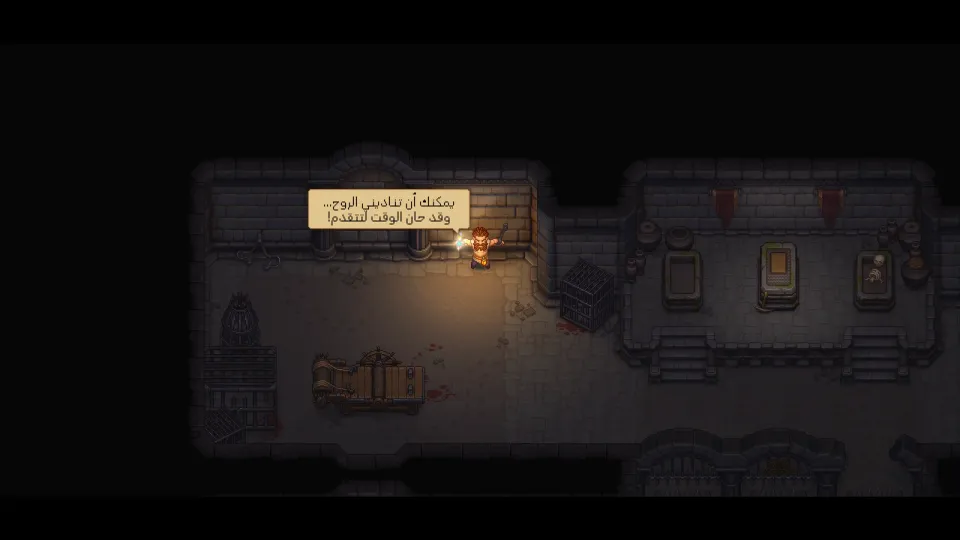
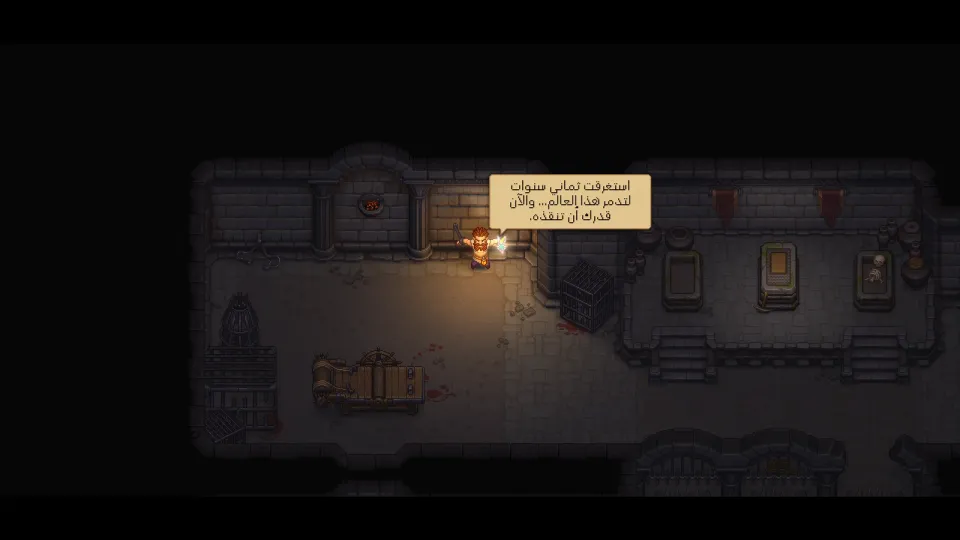
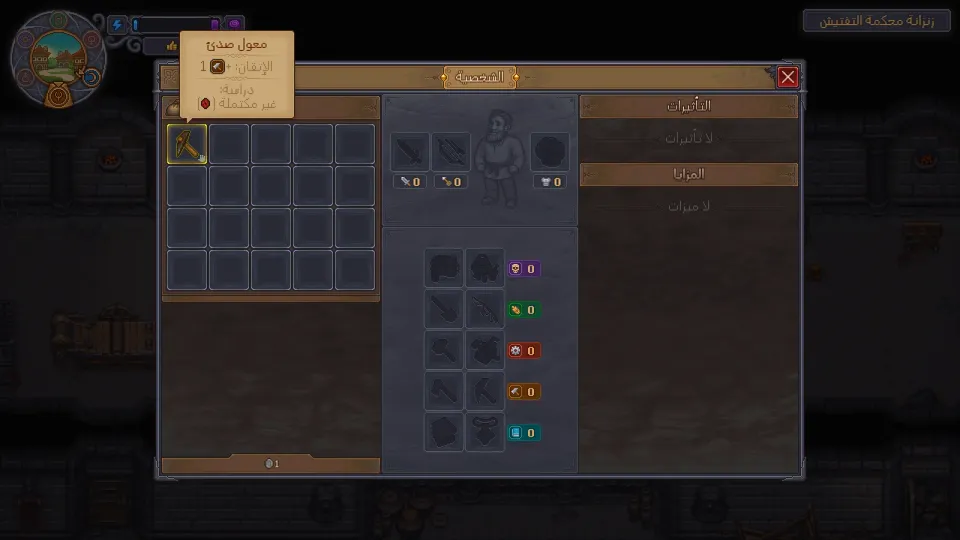
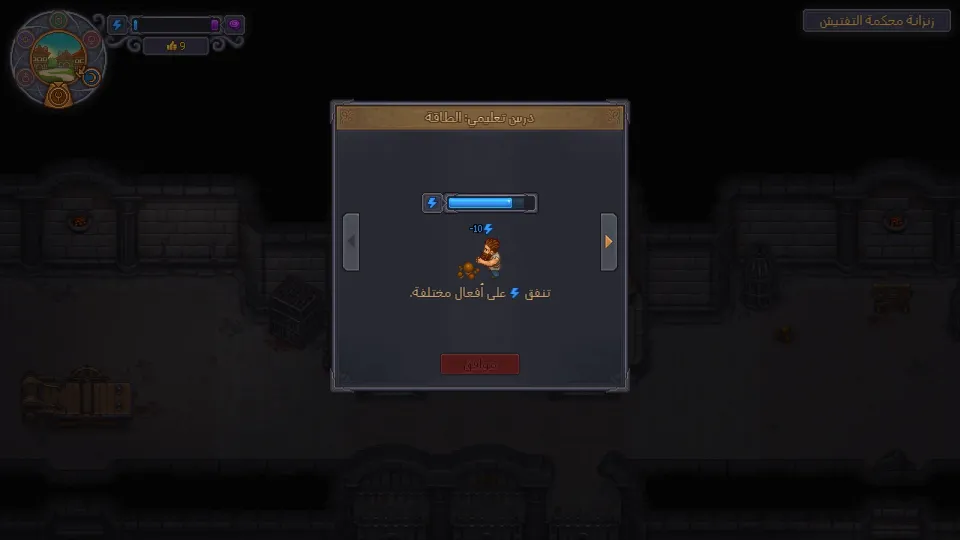
HOW TO INSTALLHow to install
- 01Close the game
Make sure Graveyard Keeper 2 is fully closed before copying any files.
- 02Download the manual version
Download the manual translation package from the download button, then extract it anywhere temporarily.
- 03Copy the Mods folder
Copy the `Mods` folder from the archive and paste it into the game’s user data folder.
%USERPROFILE%\AppData\LocalLow\Lazy Bear Games\Graveyard Keeper 2 - 04Enable the Arabic logo
Optional: open the game folder through Steam, back up the logo DLL, then copy the game data folder from the patch and choose replace.
GraveyardKeeper2_Data\Managed\LazyBearTechnology.dll - 05Select Arabic
Launch the game, open Settings, go to Language, and select “العربية”.
ABOUT THIS PATCHAbout this patch
Graveyard Keeper 2 is a dark-comedy management sim by Lazy Bear Games. It brings back cemetery management, town restoration, zombie workers, automation, and undead battles with the series’ usual weird humor.
This patch adds Arabic as a separate language in the game settings, without replacing any existing language. The translation covers all game text: menus, dialogue, quests, items, descriptions, tutorials, and system text.
A total of 9,411 lines were translated for Graveyard Keeper 2. The patch also includes a pixel-style Arabic font that matches the game’s look, plus an optional Arabic main-menu logo.
Compatibility is for the Steam PC version, built for game version 1.006. If the game receives an official update, wait for a matching Arabic patch update or reinstall only when your game version is still compatible.